🛍️
E-Commerce
Shopify
Embed 3D viewers directly on Shopify product pages
Live
Setup:10 minutes
Difficulty:Easy
Code:Snippet provided

What's included
Your products. Shopify-ready.
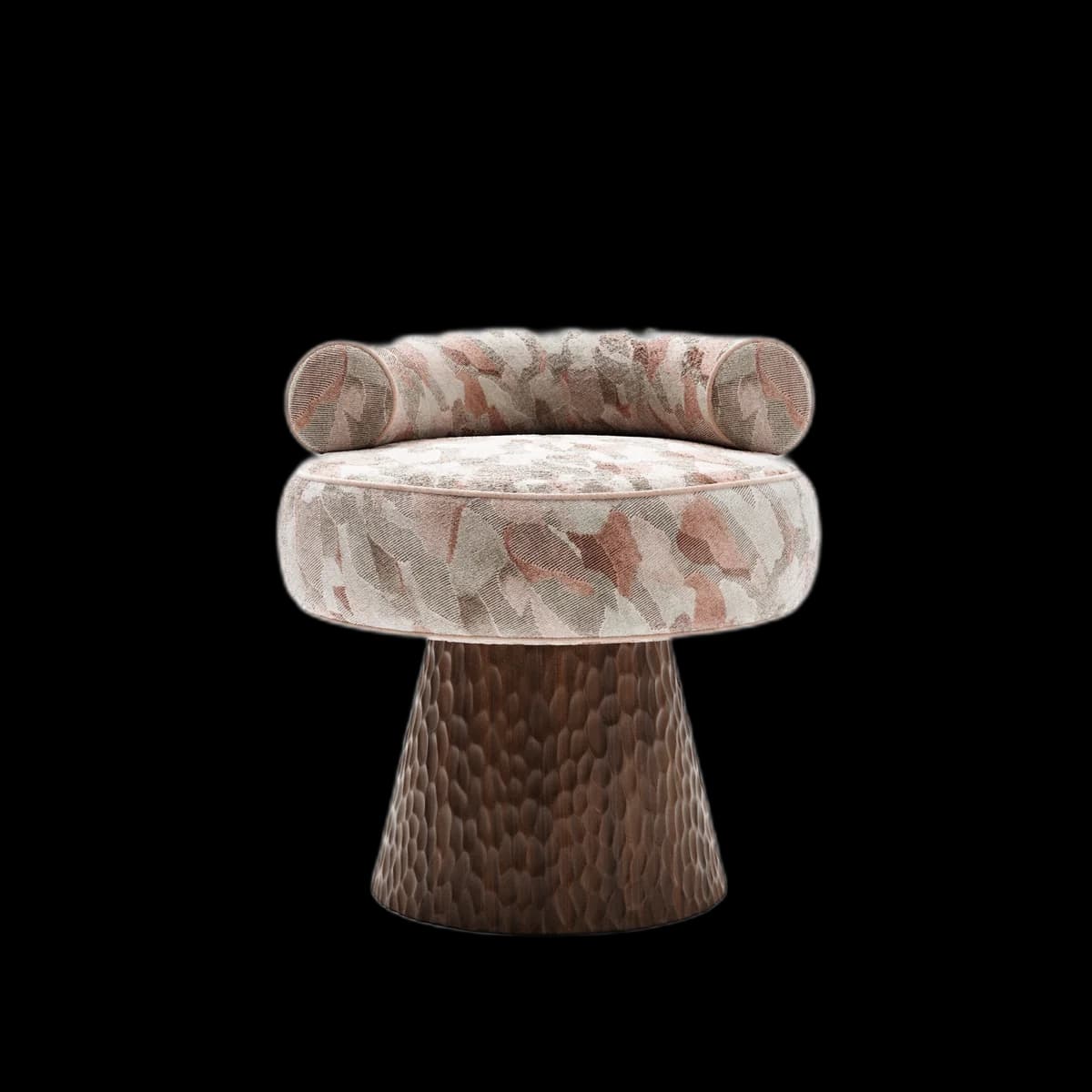


No monthly app fee — included in your Fenicher plan
View analytics per SKU
Visual preview
Here's how it looks inside Shopify.
Setup
Live in 10 minutes.
5 steps · Easy
1
Get your embed code
Open any asset in Fenicher → Share → Copy Embed Code. You'll get a one-line <iframe> tag.
2
Open Theme Editor
In Shopify Admin → Online Store → Themes → Actions → Edit code.
3
Find the product template
In the Layout section, open sections/product-template.liquid (or main-product.liquid on newer themes).
4
Paste the embed
Find the product media container and paste the Fenicher iframe below or above the existing image gallery.
<div class="fenicher-viewer" style="width:100%;aspect-ratio:4/3">
  <iframe
    src="https://fenicher.com/view/YOUR_TOKEN"
    allow="xr-spatial-tracking"
    style="width:100%;height:100%;border:none;border-radius:12px"
  ></iframe>
</div>
5
Save and preview
Click Save, then Preview your storefront. The 3D viewer will appear on product pages where you added it.
Best for
Who uses Shopify with Fenicher?
01
Furniture brands selling on Shopify
02
Home decor stores wanting to reduce returns
03
B2B wholesale catalogues
Also in E-Commerce
Other integrations you might want
Connect Fenicher to Shopify.
Start your 30-day free trial — no credit card required. Setup in 10 minutes.