📊
Quoting
Google Sheets Quoting
Build a live product catalog with Fenicher links in Google Sheets
Live
Setup:10 minutes
Difficulty:Easy
Code:Snippet provided

What's included
Your products. Google Sheets Quoting-ready.
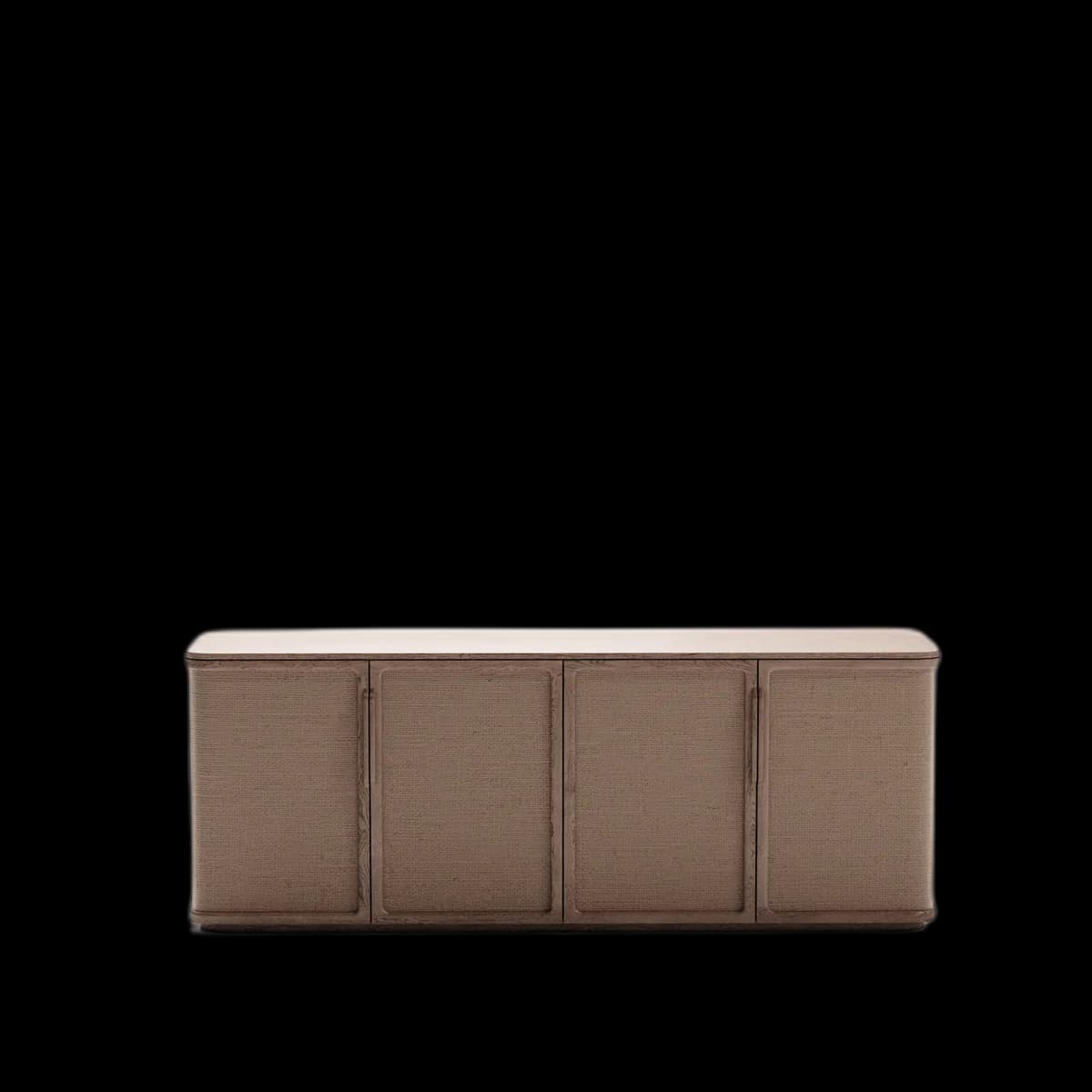

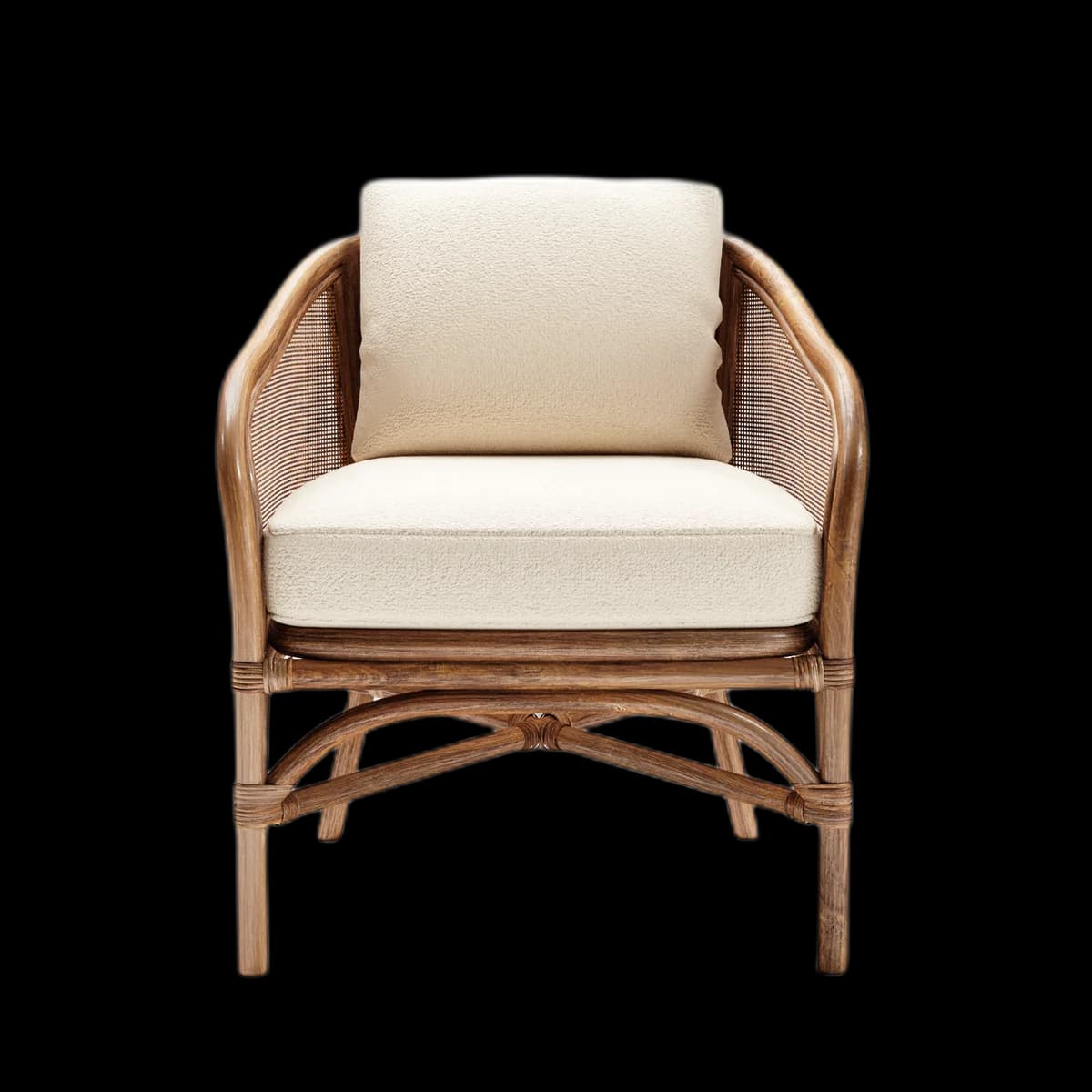
Works on mobile and desktop
Combine with Google Forms for quote requests
Visual preview
Here's how it looks inside Google Sheets Quoting.
Setup
Live in 10 minutes.
4 steps · Easy
1
Set up your sheet
Create columns: SKU, Product Name, Description, Price, 3D Viewer.
2
Add viewer links
In the '3D Viewer' column, paste each product's Fenicher viewer URL.
3
Format as hyperlink
Select cells → Insert → Link. Or use the HYPERLINK formula:
=HYPERLINK("https://fenicher.com/view/TOKEN","View in 3D →")4
Share with buyer
File → Share → Anyone with the link can view. Send the Google Sheets URL to your buyer.
Best for
Who uses Google Sheets Quoting with Fenicher?
01
Quick B2B quotes without a CRM
02
Sales teams building product shortlists
03
Interior designers presenting options
Also in Quoting
Other integrations you might want
Connect Fenicher to Google Sheets Quoting.
Start your 30-day free trial — no credit card required. Setup in 10 minutes.