📄
Quoting
PDF Quotation
Embed 3D viewer QR codes in your PDF quotes
Live
Setup:5 minutes
Difficulty:Easy
Code:Snippet provided
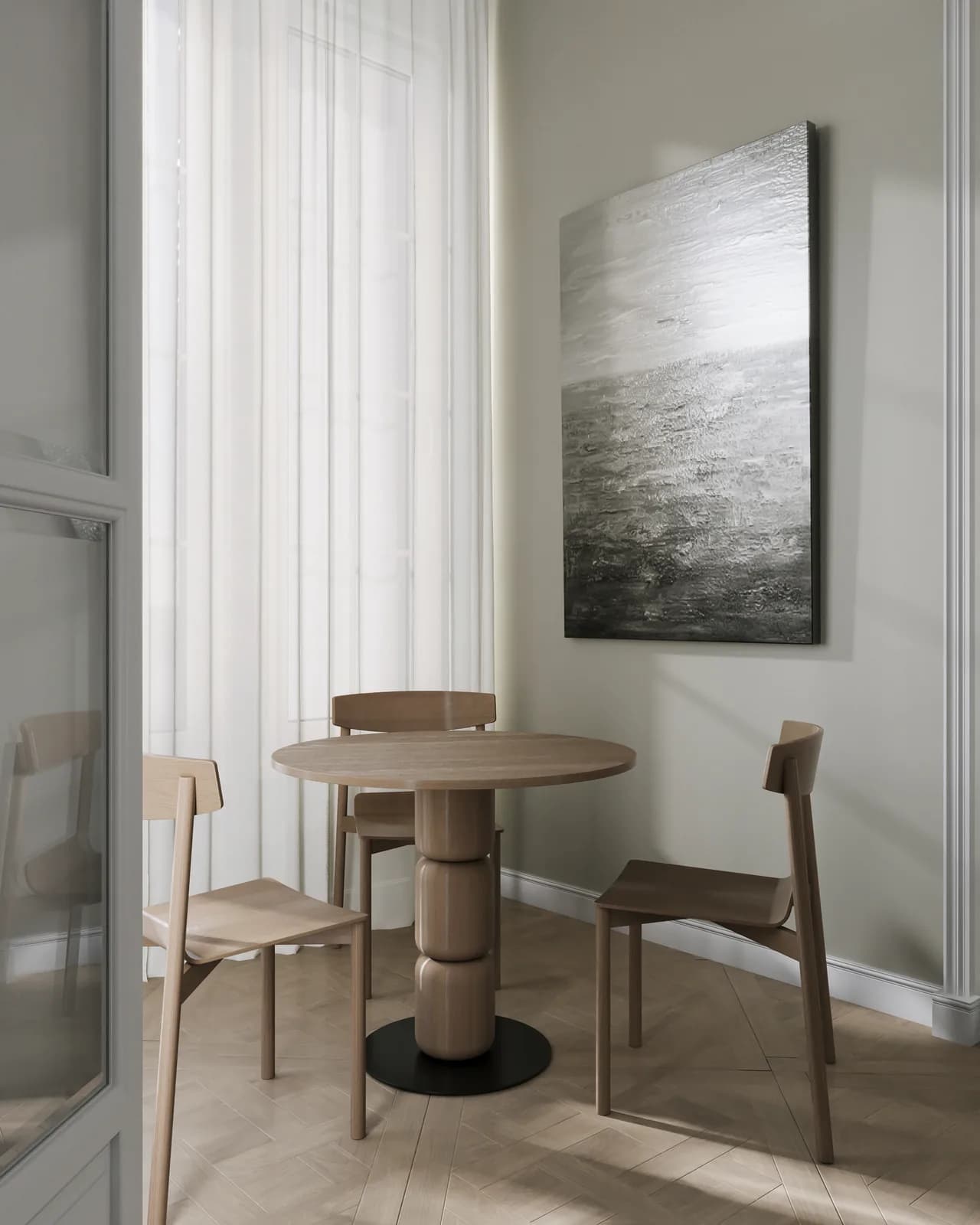
What's included
Your products. PDF Quotation-ready.
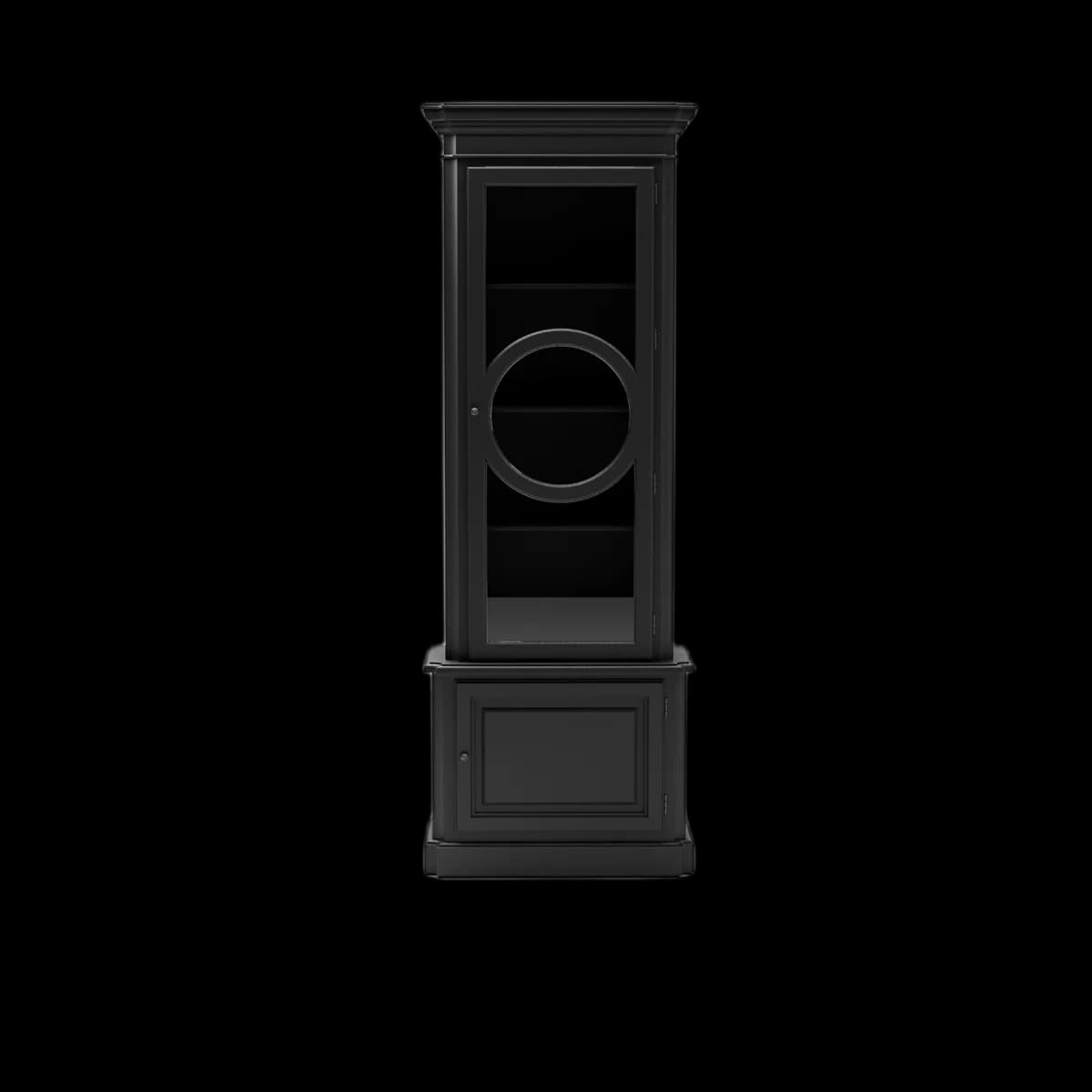

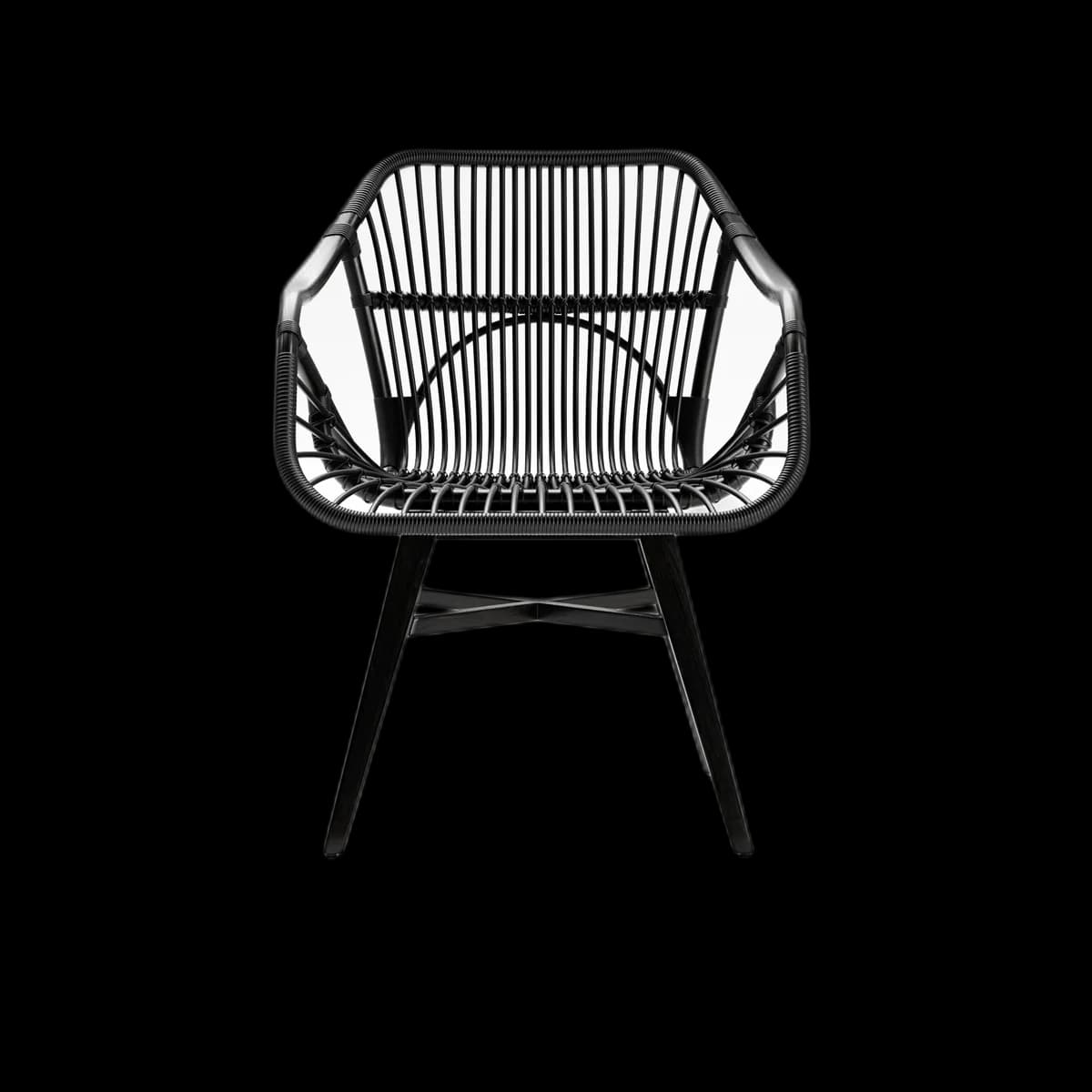
Track which quoted products were viewed
Print-friendly — QR code stays scannable even when printed
Visual preview
Here's how it looks inside PDF Quotation.
Setup
Live in 5 minutes.
4 steps · Easy
1
Get your viewer URL
Asset → Share → Copy Viewer Link (e.g. https://fenicher.com/view/abc123).
2
Generate a QR code
Use any free QR generator (qr.io, qrcode-monkey.com) with your Fenicher viewer URL. Download as PNG or SVG.
3
Add to your quote template
Paste the QR code image next to each product in your quote. Add a small label:
Scan to view in 3D & AR
[QR CODE IMAGE]
Or visit: fenicher.com/view/abc123
4
Send the quote
Send the PDF quote via email or WhatsApp. When buyers scan the QR code, they see the full interactive viewer — including AR on mobile.
Best for
Who uses PDF Quotation with Fenicher?
01
Furniture exporters sending formal quotes
02
Interior designers presenting material options
03
B2B wholesale quotes for overseas buyers
Also in Quoting
Other integrations you might want
Connect Fenicher to PDF Quotation.
Start your 30-day free trial — no credit card required. Setup in 5 minutes.